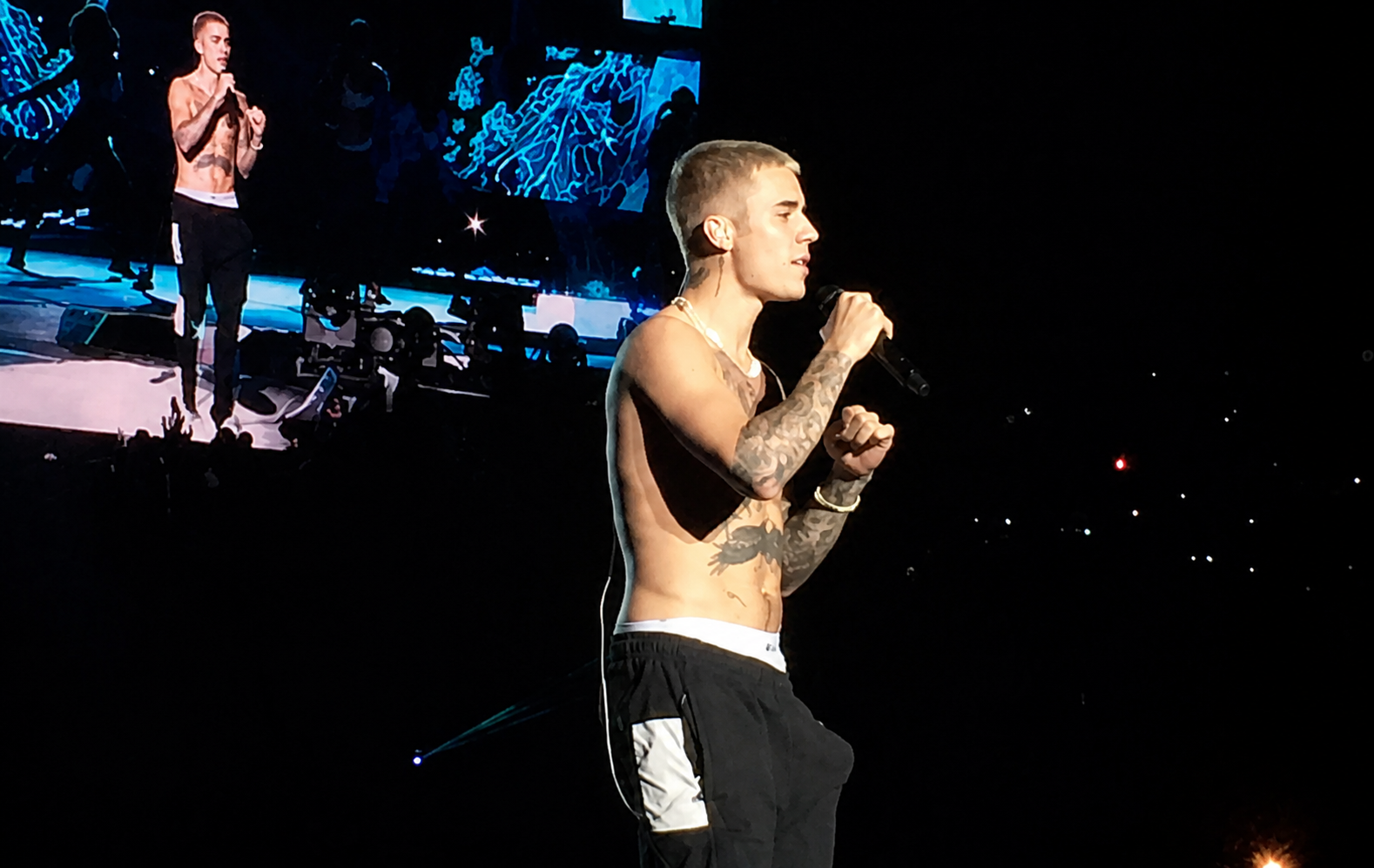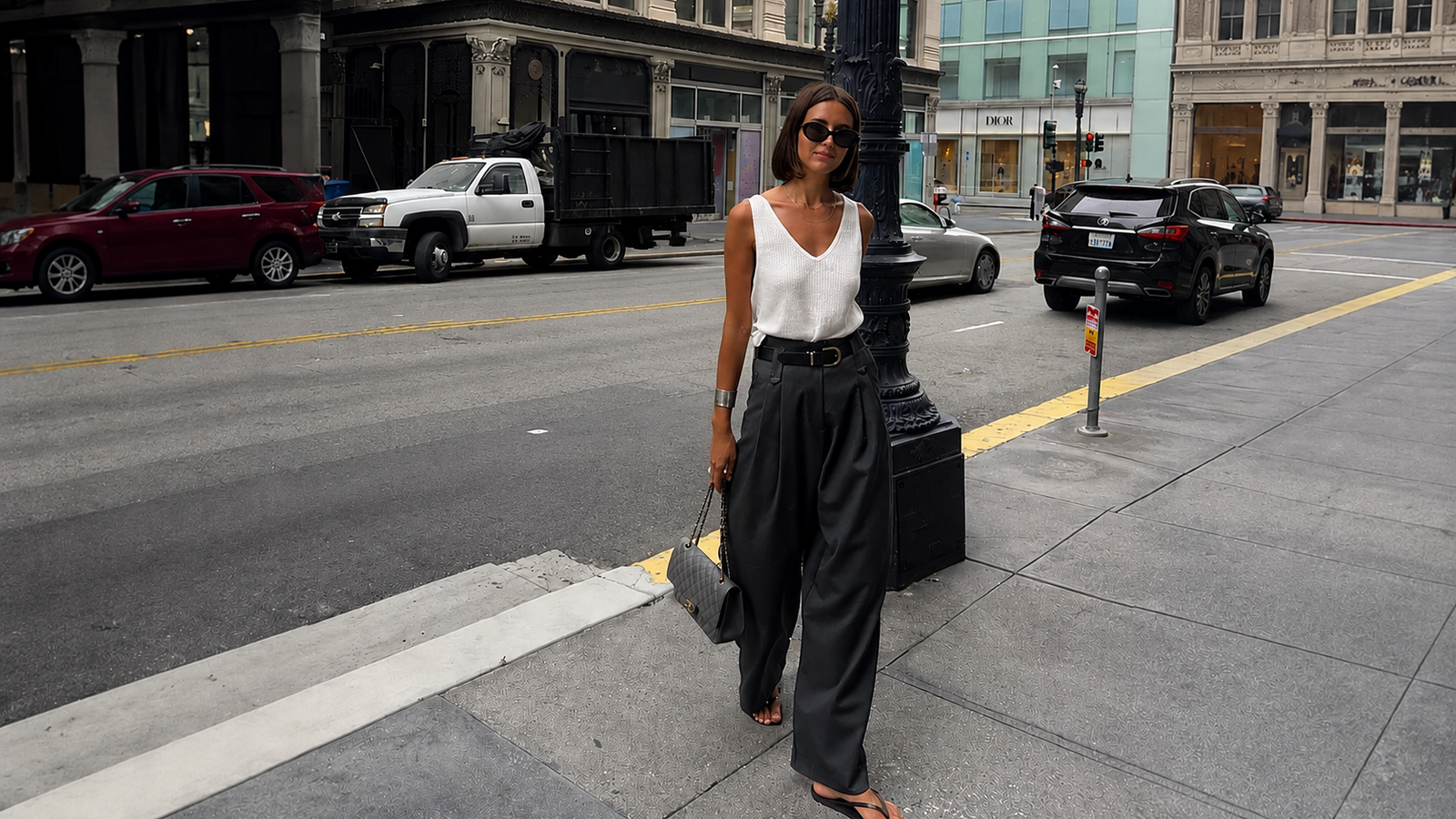
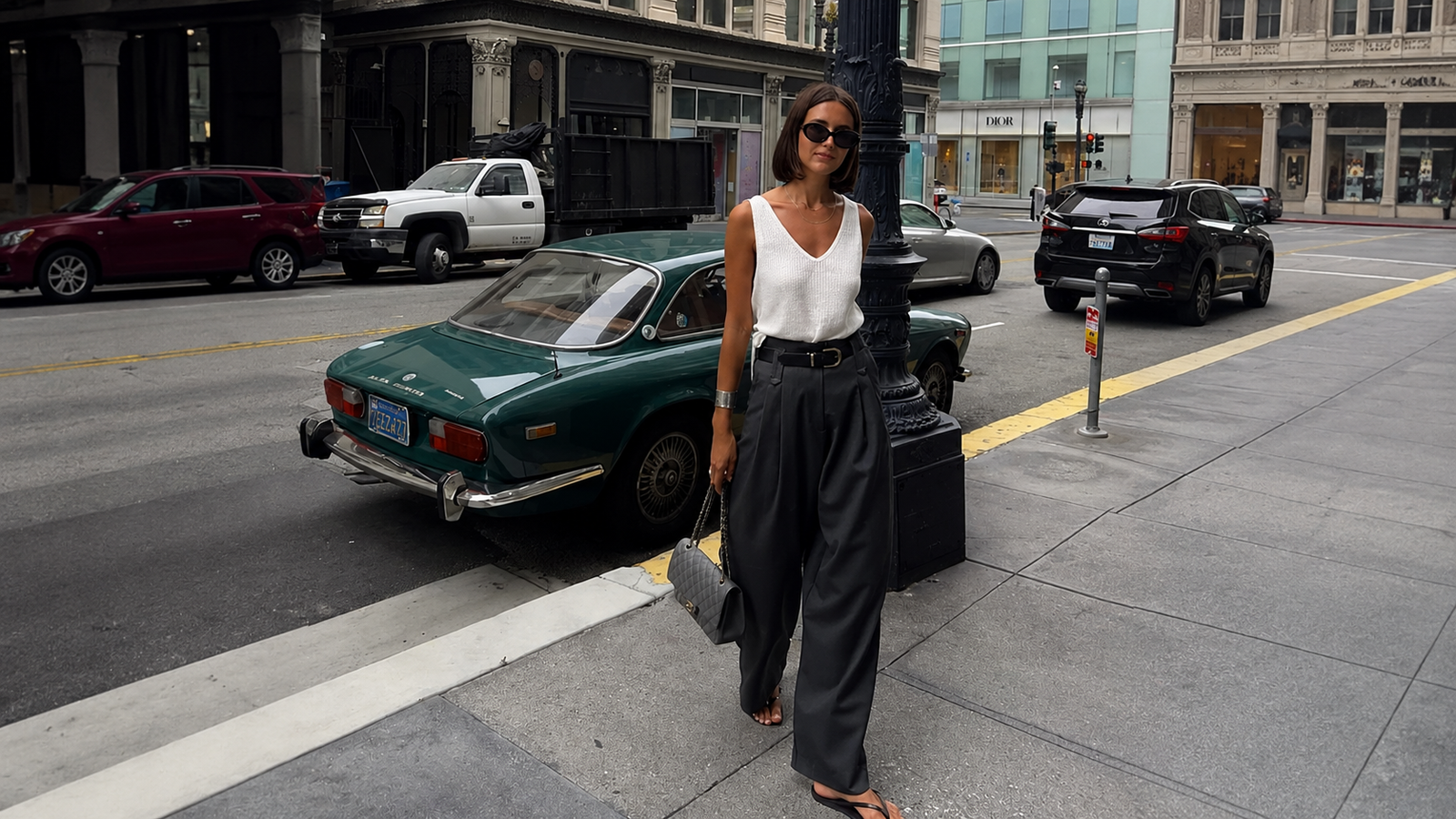
Today only (Jul 16, 2026)

+500 professional image prompts

Transform any image with the right prompt.

Restore old photos.

Get access to an organized library of prompts to restore, enhance, edit and create images with more natural and professional results.

Examples

Real results with the right prompts

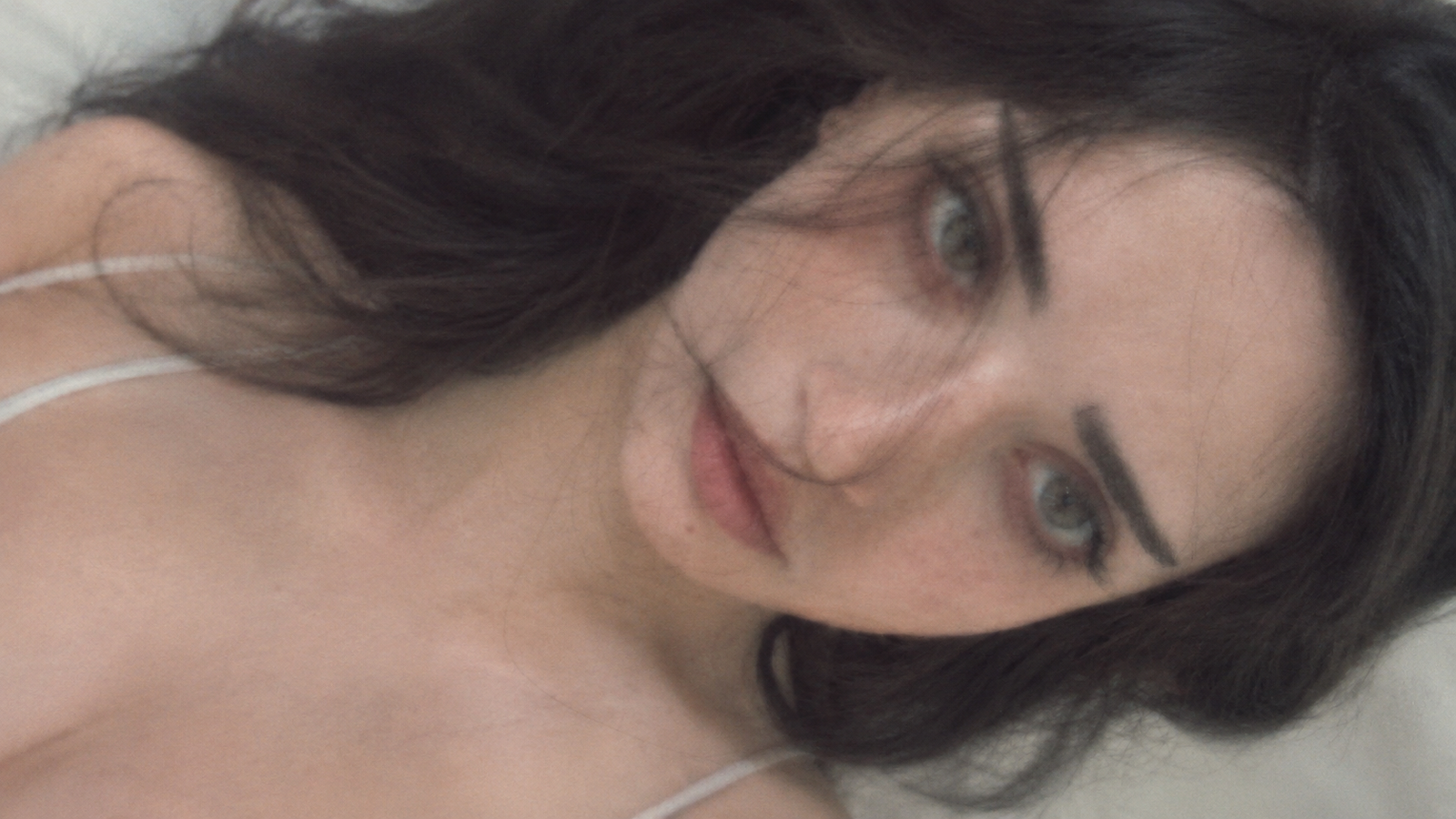
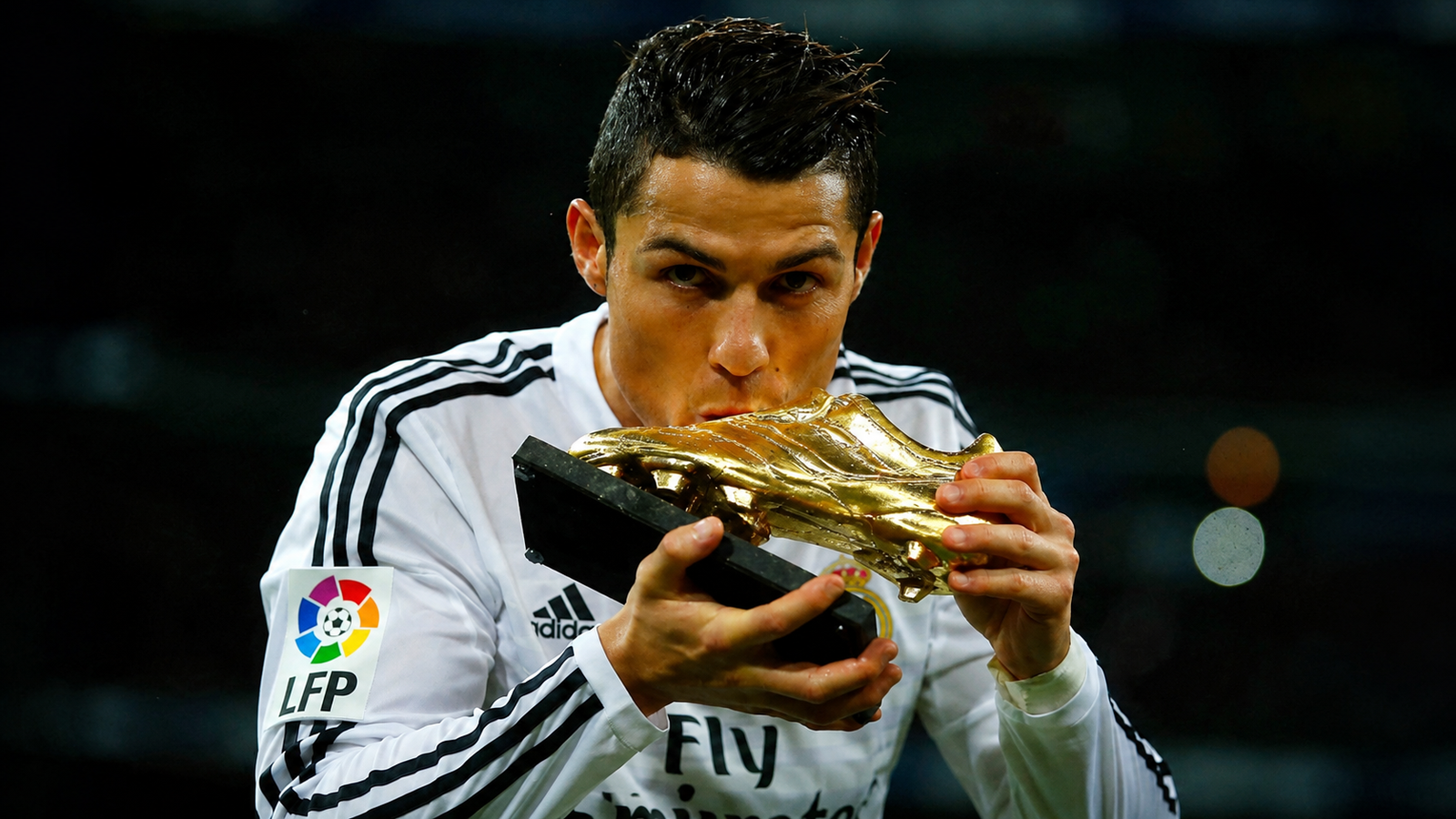
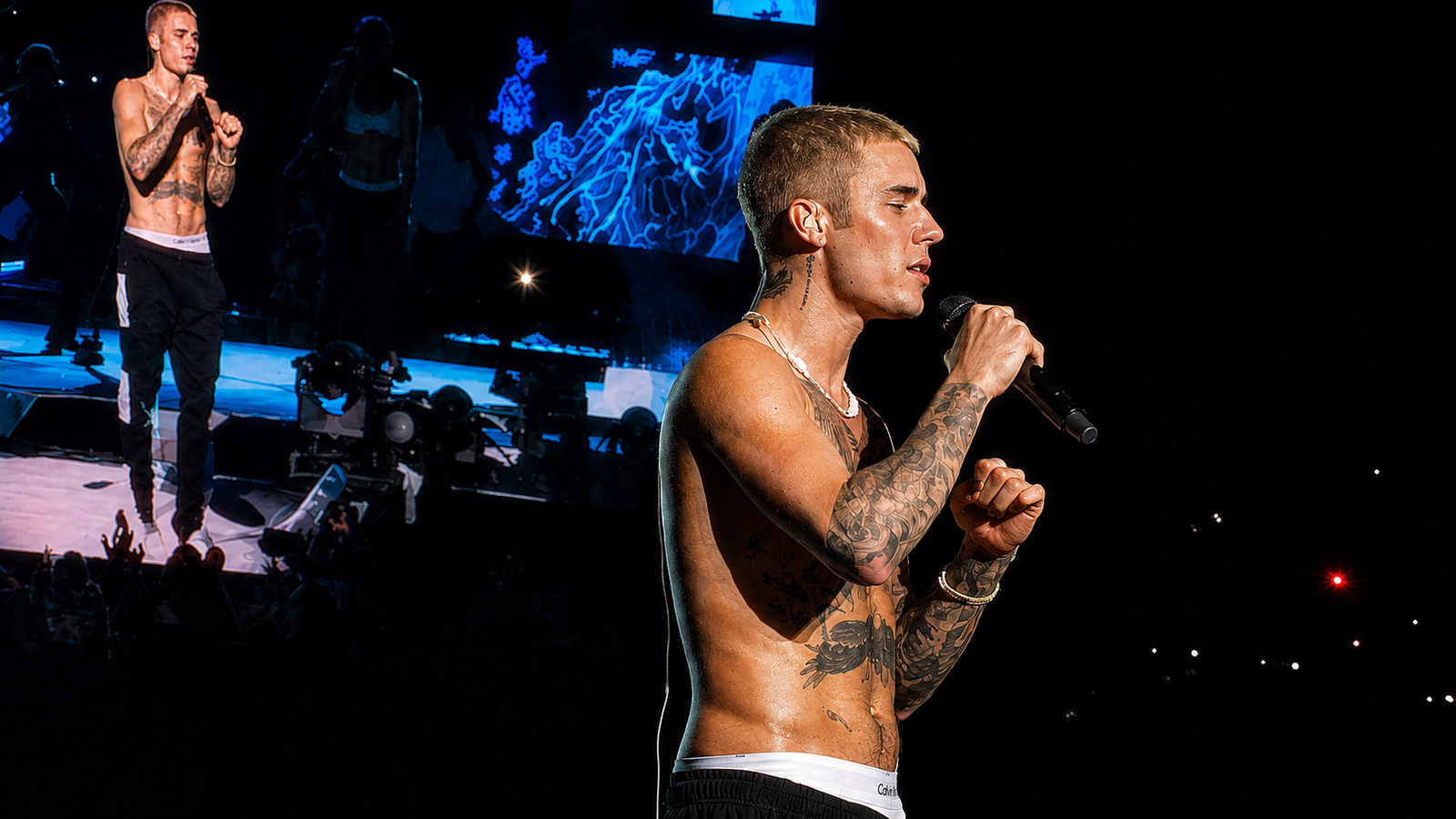
Drag the slider to compare before and after.
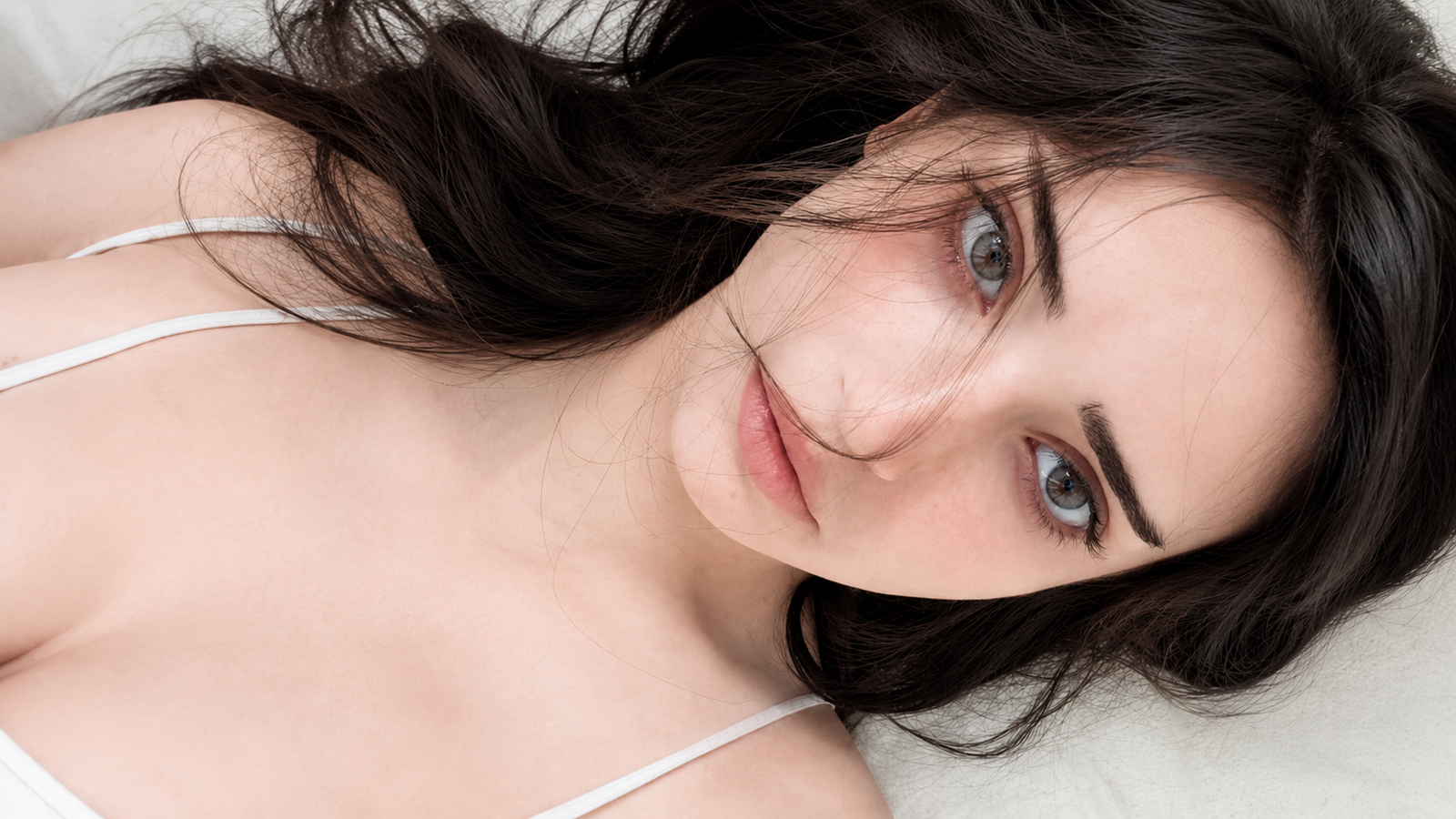
500+ ready prompts Copy with one click More natural images Restore old photos Better light and sharpness For social and ads Organized categories Works on your phone Lifetime access One-time purchase

Why use RebornPixels

Less trial and error, more results.

Save time

Stop writing prompts from scratch. Copy a tested prompt and personalize it.

Organized library

Prompts grouped in clear categories so you find what you need fast.

More consistent results

Structured prompts that reduce common AI artifacts and keep a photographic look.

More natural edits

Improve details, lighting, textures and composition without over-processing.

Fast mobile access

Interface built for mobile: open, search and copy in seconds.

One-tap copy

Every prompt has a copy button with instant visual feedback.

New prompts added

The library can receive new prompts added by the administrator.

Favorites and history

Save the prompts you use most and track what you already copied.

Available categories

A complete library for every kind of transformation.

Photo restoration

A complete library for every kind of transformation.

5 prompts

Tap or hover a category to explore

Who is RebornPixels for?

From old photos to click-worthy thumbnails — prompts ready for anyone who wants better images, for real.

Drag or swipe to see more

01 / 08
01

Improve photo quality

Boost sharpness, light and color on any image — from phone shots to pro files — without that artificial look.

02

Restore old photos

Bring back detail in scanned, faded or damaged photos with more natural color and texture.

03

Professional photographers

Speed up retouching, standardize your portfolio style and deliver more sessions with consistent finish.

04

Thumbnails for YouTubers

Sharper, higher-contrast, readable covers that make your video stand out — in minutes, not hours in the editor.

05

Generate natural-looking images

Create scenes and portraits with real skin, believable light and less of that generic “plastic” AI look.

06

Add elements to a photo

Add objects, scenes or details naturally — blended with the original image’s light and perspective.

07

Portraits and selfies

Improve skin tone, background and expression in personal photos without overdoing it — subtle, professional results.

08

Social media and ads

Produce creatives for feed, stories and campaigns with consistent visuals and far less trial and error.

How it works

  1. Choose the transformation

    Browse the categories and find the kind of edit you need.

  2. Copy the ready prompt

    Each prompt is structured, with instructions and variables to personalize.

  3. Paste into your tool

    Paste it into the image tool you use, adjust the details and generate.

What you get

  • Over 500 professional prompts
  • Library organized by category
  • Fast search by title, tag and purpose
  • Favorites to save the ones you love
  • History of copied prompts
  • Access on mobile and desktop
  • New content added to the library
  • Visual before and after examples
  • Personalization guidance on every prompt

The difference of working with ready prompts

Without RebornPixels

  • Random attempts
  • Disorganized prompts
  • Inconsistent results
  • Too much time tweaking text

With RebornPixels

  • Structured prompts
  • Organized categories
  • One-tap copy
  • More predictable results

What people say about the library

"I saved hours on retouching. I copied a portrait prompt and the result looked studio-grade. The library paid for itself on the first project."

Maria Silva Photographer · 4 months ago
Verified

"My productivity tripled. I used to waste time testing prompt after prompt. Now I search, copy, and deliver to clients."

João Santos Freelance designer · 2 months ago
Verified

"I use it daily for client posts. Everything is organized by category and the prompts actually work in Midjourney."

Ana Costa Social media · 5 months ago
Verified

"I paid once and already made it back on my first batch of product images. The photos look far more professional."

Pedro Oliveira E-commerce · 3 weeks ago
Verified

"I am a beginner and the prompts gave me confidence. Images looked professional from day one, without an expensive course."

Bia Mendes Entrepreneur · 1 month ago
Verified

"Best investment this year. I stopped wasting time on trial and error and focused on selling more projects."

Lucas Ribeiro Digital agency · 6 months ago
Verified
+500 prompts

Full library access

One-time payment · lifetime access

From $87.90
for $7.44 92% off
  • Over 500 professional prompts
  • Library organized by category
  • Fast search by title, tag and purpose
  • Favorites to save the ones you love
  • History of copied prompts
  • Access on mobile and desktop
  • New content added to the library
  • Visual before and after examples
  • Personalization guidance on every prompt
Get access now

100% secure checkout processed by Stripe

Access released after payment confirmation

Frequently asked questions

What is RebornPixels?

RebornPixels is an organized library with over 500 professional prompts to restore, enhance, edit and create images using AI tools. You copy the ready prompt, paste it into your favorite tool and personalize it.

How many prompts are included?

The library gathers over 500 prompts organized by category, and new prompts can be added by the administrator over time.

How do I get access?

After Stripe confirms your payment, you create your account right away and enter the library. The whole process takes a few minutes.

Can I use it on my phone?

Yes. The platform was built mobile-first: category browsing, search and the copy button work perfectly on a smartphone screen.

Do the prompts work in any tool?

The prompts are structured to work well in the main AI image tools. Each prompt lists the most compatible tools, and small adjustments may be needed depending on the tool.

Can I personalize the prompts?

Yes, that's the idea. Prompts include clear variables (like resolution, style and focus area) and personalization instructions so you can adapt them to your case.

Will new prompts be added?

The library was built to grow. The administrator can add new prompts and categories, and you receive the additions at no extra cost when it is a one-time purchase.

Is the payment secure?

Yes. Payment is processed by Stripe, one of the largest payment platforms in the world. We never store your card details.

How do I access it after purchase?

Just sign in on any device with the e-mail and password you created after the purchase. Your access is tied to your account.

Can I recover my password?

Yes. The login screen has a "Forgot my password" option that sends a secure reset link to your e-mail.